

RC Radio Brake Mixing Explained
What Is Brake Mixing
Brake Mixing is an RC radio function that allows you to control how braking force is distributed between different channels, most commonly between the front and rear of a vehicle.
In vehicles equipped with:
• Dual ESC setups
• Separate front and rear brakes (common in large-scale or nitro vehicles)
• 4WS (four-wheel steering) systems with brake interaction
Brake Mixing lets you assign and adjust how much braking is applied to each axle or system.
At its core, Brake Mixing is about balance. Instead of applying equal braking force everywhere, you can fine-tune how aggressively each part of the car slows down.
How Does Brake Mixing Affect Your Car
Brake Mixing has a direct impact on how your RC car behaves under braking, especially during corner entry and high-speed deceleration.
Stability Under Braking
• More front brake = improved stability but possible understeer
• More rear brake = increased chance of rear instability or spin-outs
Corner Entry Performance
• Increased front Brake Mixing helps the car rotate into corners
• Increased rear Brake Mixing can help pivot the car but may feel loose
Braking Distance
• Balanced Brake Mixing reduces stopping distance
• Poor balance can cause tire lock-up and loss of control
Surface Adaptation
• High grip: more aggressive front Brake Mixing works well
• Low grip: reduced front Brake Mixing prevents sliding
Driving Feel
• Fine-tuned Brake Mixing gives a smoother, more predictable brake response
• Poor settings feel twitchy or inconsistent
In short, Brake Mixing controls how your car transfers weight and maintains traction when slowing down.
How Do You Change Brake Mixing
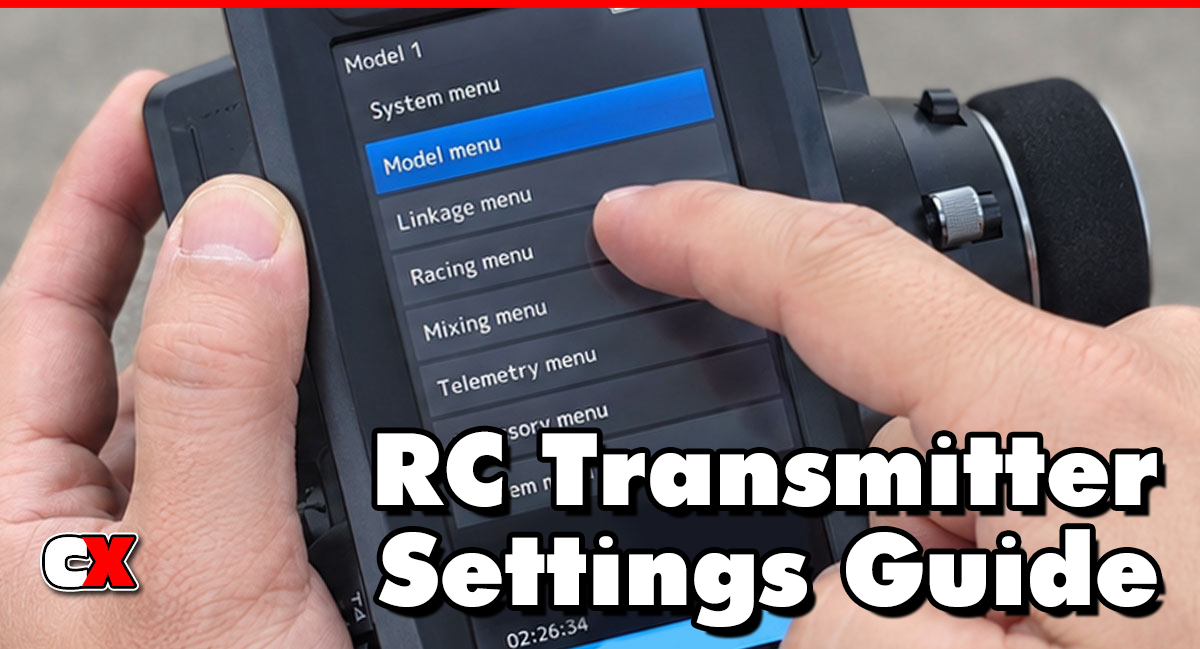
Brake Mixing is adjusted through your RC radio system, usually within the mixing or braking menu.
Step-by-Step Setup
1. Access the Mixing Menu
Look for “Brake Mixing,” “Brake Mix,” or assignable mix settings
2. Assign Channels
• Primary brake channel (usually throttle/brake trigger)
• Secondary channel (front or rear brake system)
3.Set the Mix Rate
• Typically shown as a percentage (e.g., 0% to 100%)
• Determines how much braking is applied to the secondary channel
4. Adjust Direction
Ensure the brake direction is correct (not reversed)
5. Test the System
• Apply brakes slowly and observe front/rear response
• Adjust as needed based on behavior
When To Change Brake Mixing
You should adjust Brake Mixing when your car shows signs of imbalance under braking or when conditions change.
Car Spins Under Braking
• Reduce rear Brake Mixing
• Increase front bias
Car Pushes (Understeers) Into Corners
• Reduce front Brake Mixing slightly
• Add a small amount of rear Brake Mixing
Track Conditions Change
• Low grip: reduce aggressive Brake Mixing
• High grip: increase front Brake Mixing for sharper response
Switching Vehicle Types
• On-road cars often benefit from more front bias
• Off-road cars may need more balanced or softer Brake Mixing
After Hardware Changes
• New tires, different weight distribution or brake upgrades all affect braking balance
What to Check After Changing Brake Mixing
After making adjustments, always verify performance and consistency.
Straight-Line Braking
Car should stop straight without pulling or fishtailing
Corner Entry Behavior
Watch for excessive push or over-rotation
Tire Grip and Lock-Up
Ensure tires are not locking prematurely
Brake Feel
Smooth and predictable input is the goal
Temperature and Wear
Uneven braking can cause excessive wear on one end of the car
Repeatability
The car should behave consistently lap after lap
Basic Brake Mixing vs Advanced Settings
Basic Brake Mixing
This is ideal for most drivers and simpler setups.
• Single mix percentage adjustment
• Front-to-rear bias control
• Limited tuning range
• Quick and easy to set
Best for:
• Beginners
• RTR vehicles
• Casual racing setups
Advanced Brake Mixing
Advanced radios allow deeper control and customization.
• Independent front/rear brake curves
• Adjustable brake timing or delay
• Multiple mix rates based on trigger position
• Integration with throttle curves and ABS (Anti-Lock Braking)
Best for:
• Competitive racers
• Dual ESC or dual brake setups
• High-grip track tuning
FAQ
Q: What is the best Brake Mixing setting to start with?
A: Start with a neutral or slightly front-biased setup (around 60–70% front bias). Adjust from there based on handling.
Q: Does Brake Mixing affect electric and nitro cars the same way?
A: Yes, but nitro cars often benefit more due to mechanical brake systems and dual brake setups.
Q: Can Brake Mixing cause spin-outs?
A: Yes. Too much rear Brake Mixing can make the rear unstable under braking.
Q: Is Brake Mixing necessary for beginners?
A: Not always. Many RTR setups work fine without adjustment, but learning it helps improve control.
Q: How does Brake Mixing relate to ABS (Anti-Lock Braking)?
A: Brake Mixing controls brake distribution, while ABS controls how aggressively brakes are applied. They can work together for better control.
Q: Should I adjust Brake Mixing for different tracks?
A: Absolutely. Grip level, layout and surface type all influence ideal settings.
Back to the RC Transmitter Settings Guide.

