

RC ESC Startup Power Explained
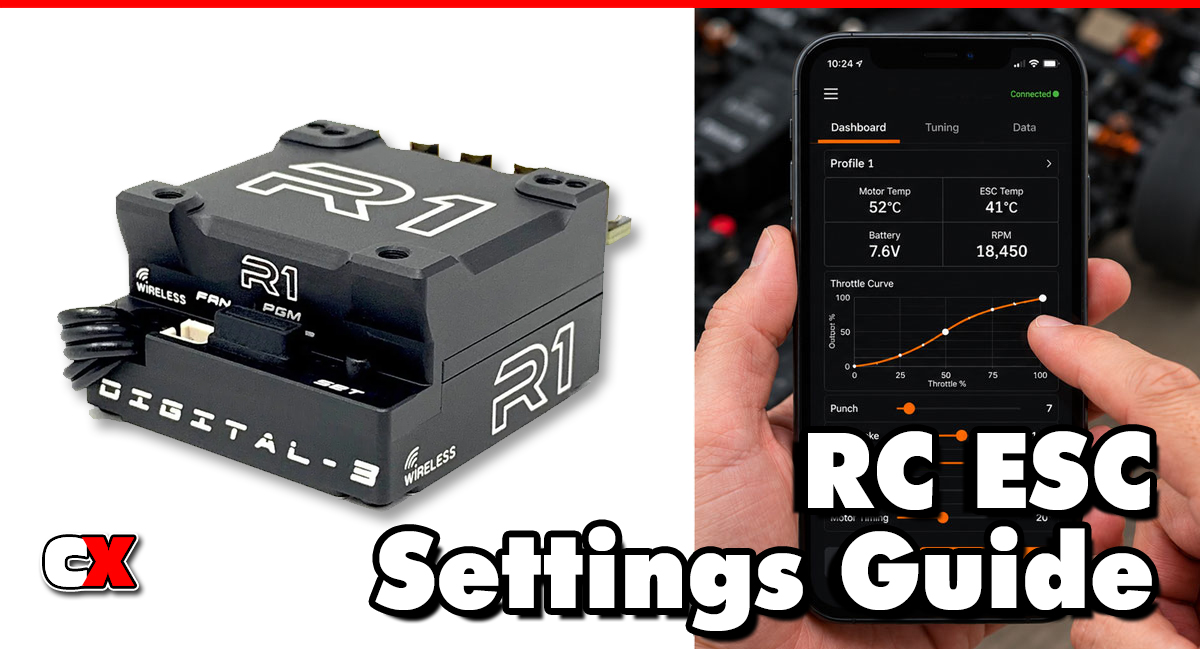
What Is Startup Power?
Startup Power is an ESC setting that controls the amount of initial power delivered to the motor when accelerating from a standstill or very low speed.
Think of Startup Power as the “launch strength” of your vehicle. A low setting creates a smooth and gradual takeoff, while a high setting delivers a stronger burst of torque as soon as throttle is applied.
Many modern ESCs allow Startup Power adjustments through:
• ESC programming cards
• Mobile applications
• Computer software
• Built-in programming menus
The available range varies by manufacturer, but Startup Power is commonly adjusted using percentages, levels or numerical values.
What Startup Power Controls
Startup Power affects:
• Initial acceleration
• Launch aggressiveness
• Low-speed torque delivery
• Traction when accelerating
• Crawl performance
• Corner exit behavior
It primarily impacts the first moment the vehicle begins moving rather than overall top speed.
How Does Startup Power Affect Your Car?
Startup Power has a significant influence on how the vehicle responds to throttle input.
Increasing Startup Power
Higher Startup Power settings provide:
• Faster launches
• Stronger initial acceleration
• More aggressive throttle response
• Improved jumping approaches
• Better punch out of slow corners
However, excessive Startup Power can cause:
• Tire spin
• Reduced traction
• Wheelies
• Increased drivetrain stress
• Harder vehicle control on slippery surfaces
Decreasing Startup Power
Lower Startup Power settings provide:
• Smoother launches
• Better traction
• Easier throttle control
• Reduced drivetrain shock
• More predictable handling
Potential drawbacks include:
• Slower acceleration
• Less responsive launches
• Reduced punch exiting corners
• Less climbing power for crawlers
How Do You Change Startup Power?
The exact process depends on your ESC manufacturer.
Method 1: Programming Card
Many racing ESCs use programming cards.
1. Connect the ESC to the programming card.
2. Power on the ESC.
3. Navigate to Startup Power.
4. Select the desired value.
5. Save the setting.
6. Restart the ESC if required.
Method 2: Mobile App
Bluetooth-enabled ESCs allow wireless adjustment.
1. Connect to the ESC using the manufacturer’s app.
2. Open throttle-related settings.
3. Locate Startup Power.
4. Increase or decrease the value.
5. Save the changes.
Method 3: Computer Software
Some ESCs support USB programming.
1. Connect the ESC to a computer.
2. Launch the manufacturer’s software.
3. Locate Startup Power.
4. Adjust the setting.
5. Save and disconnect.
Make Small Changes
A good tuning rule is to adjust Startup Power one step at a time. Large changes can make the vehicle difficult to evaluate and may create traction issues that mask other setup problems.
When To Change Startup Power
Startup Power should be adjusted when you want to improve launch characteristics or low-speed acceleration.
Increase Startup Power When
• The vehicle feels sluggish leaving corners.
• Acceleration is too soft.
• The car struggles to clear jumps.
• A crawler needs more immediate wheel torque.
• The track has high grip.
High-grip clay tracks often allow more Startup Power because the tires can handle the additional torque.
Decrease Startup Power When
• Tires spin excessively.
• The car becomes difficult to drive.
• Rear traction is poor.
• The vehicle wheelies excessively.
• Drivetrain components are taking excessive abuse.
Loose dirt, dusty surfaces and wet conditions often benefit from lower Startup Power settings.
Different Applications
On-Road Racing
Moderate Startup Power typically provides the best balance between acceleration and traction.
Off-Road Racing
Startup Power is often increased to improve corner exit speed and jump approaches.
Crawlers
Higher Startup Power can help overcome obstacles, but too much may reduce low-speed precision.
Bashers
Moderate-to-high Startup Power creates exciting acceleration while maintaining control.
What To Check After Adjusting Startup Power
Even though Startup Power affects initial movement, it can slightly alter movement out of very low-speed corners. It’s a good idea to perform several test runs and evaluate vehicle behavior.
Check Traction
Watch for:
• Tire spin
• Sliding
• Loss of forward drive
If traction decreases, Startup Power may be too high.
Check Corner Exits
Observe whether the car:
• Accelerates smoothly
• Maintains stability
• Drives straight under power
A properly adjusted setting should improve acceleration without upsetting handling.
Check Motor and ESC Temperatures
Although Startup Power primarily affects from-a-standstill acceleration, aggressive settings can increase current draw.
Monitor:
• Motor temperature
• ESC temperature
• Battery temperature
Excessive heat may indicate the setting is too aggressive.
Check Drivetrain Wear
Inspect:
• Spur gears
• Pinion gears
• Driveshafts
• Differentials
• Slipper clutch components
Aggressive launches place additional stress on drivetrain parts.
Check Consistency
The best Startup Power setting is often the one that produces consistent lap times rather than the most aggressive acceleration.
Basic Startup Power vs Advanced Settings
Many drivers confuse Startup Power with other ESC acceleration settings. While they work together, they control different aspects of throttle response.
| Setting | Purpose | Typical Users |
|---|---|---|
| Startup Power | Controls initial launch torque from a stop | Beginners and advanced drivers |
| Initial Throttle Force | Control throttle punch at trigger movement | Intermediate and advanced drivers |
| Punch Control | Limits acceleration rate throughout the throttle range | Intermediate and advanced drivers |
| Power Curve | Changes how power is delivered across throttle travel | Advanced drivers |
| Drive Frequency (PWM Throttle) | Alters motor feel and efficiency | Advanced drivers |
| Boost Timing | Increases power at higher RPM | Racing applications |
Basic Startup Power Tuning
Beginners should:
• Start with factory defaults.
• Make one-step changes.
• Test on the same surface.
• Focus on traction first.
Advanced Startup Power Tuning
Advanced racers often tune Startup Power alongside:
• Punch Control
• Initial Throttle Force
• Power Curve
• Motor Timing
• Boost Timing
These adjustments can create a highly customized throttle feel for specific track conditions.
Common Startup Power Tuning Recommendations
| Surface Type | Suggested Startup Power |
|---|---|
| High-grip clay | Medium to High |
| Carpet | Medium to High |
| Asphalt | Medium |
| Loose dirt | Low to Medium |
| Wet conditions | Low |
| Rock crawling | Medium to High |
| General bashing | Medium |
Always use these as starting points and fine-tune based on vehicle behavior.
FAQ
Q: Does Startup Power increase top speed?
A: No. Startup Power primarily affects acceleration from a stop. Top speed is generally controlled by gearing, motor RPM, timing and battery voltage.
Q: Is Startup Power the same as Punch Control?
A: No. Startup Power controls initial launch torque, while Punch Control affects acceleration throughout the throttle range.
Q: Can too much Startup Power damage my RC car?
A: Excessively high Startup Power can increase stress on gears, driveshafts, differentials and tires, especially in high-traction conditions.
Q: Should crawlers use high Startup Power?
A: Not always. Some crawlers benefit from increased Startup Power for obstacle climbing, while others perform better with smoother throttle delivery.
Q: Why does my car spin the tires after increasing Startup Power?
A: The tires may not have enough traction to handle the additional torque being delivered at launch.
Q: Does Startup Power affect braking?
A: No. Startup Power only affects acceleration from low speed or a complete stop.
Q: Should beginners adjust Startup Power?
A: Yes. Startup Power is one of the easier ESC settings to understand and can significantly improve vehicle drivability when adjusted carefully.
Back to the RC ESC Settings Guide.

