
RC Radio Model Memory Explained
What Is Model Memory?
Model Memory is a feature inside an RC radio transmitter that stores separate setup profiles for different RC vehicles. Each memory slot contains vehicle-specific settings such as:
• Steering trim
• Steering and Throttle End Point Adjustment (EPA)
• Exponential
• Dual Rate
• Servo reversing
• Mixing functions
• ABS settings
• etc…
Instead of using one universal setup for every car, the transmitter recalls the exact settings needed for a specific vehicle.
For example:
• Your 1/10 touring car may use aggressive steering settings and reduced throttle EPA.
• Your crawler may use drag brake, throttle smoothing and rear steer mixing.
• Your speed-run car may use low steering sensitivity and heavy throttle expo.
All of these settings can be stored independently using Model Memory.
Many modern radios can store anywhere from:
• Around 15 models (internally) on entry-level systems
• Virtually unlimited models when using SD card backup
How Does Model Memory Affect Your Car?
Technically, Model Memory does not directly change the physical performance of the car itself. Instead, it affects how the transmitter communicates with that specific vehicle. The biggest benefit is consistency.
When the correct Model Memory is selected:
• Steering behaves correctly
• Throttle response matches the car
• Servo directions are correct
• ESC settings work as intended
• Mixing functions activate properly
• Gyros operate correctly
Selecting the wrong Model Memory can create major problems, including:
• Reversed steering
• Reversed throttle
• Excessive steering throw
• Incorrect braking force
• Wrong gyro gain
• Incorrect channel assignments
• Dangerous throttle response
For example, using a crawler setup on a high-speed touring car could result in excessive steering sensitivity or throttle settings that make the car difficult to control.
Model Memory also improves efficiency. Racers can quickly switch between multiple vehicles without wasting time reprogramming settings before each run.
How Do You Change Model Memory?
Changing Model Memory depends on your radio system, but the process is generally very similar across brands.
Typical Process
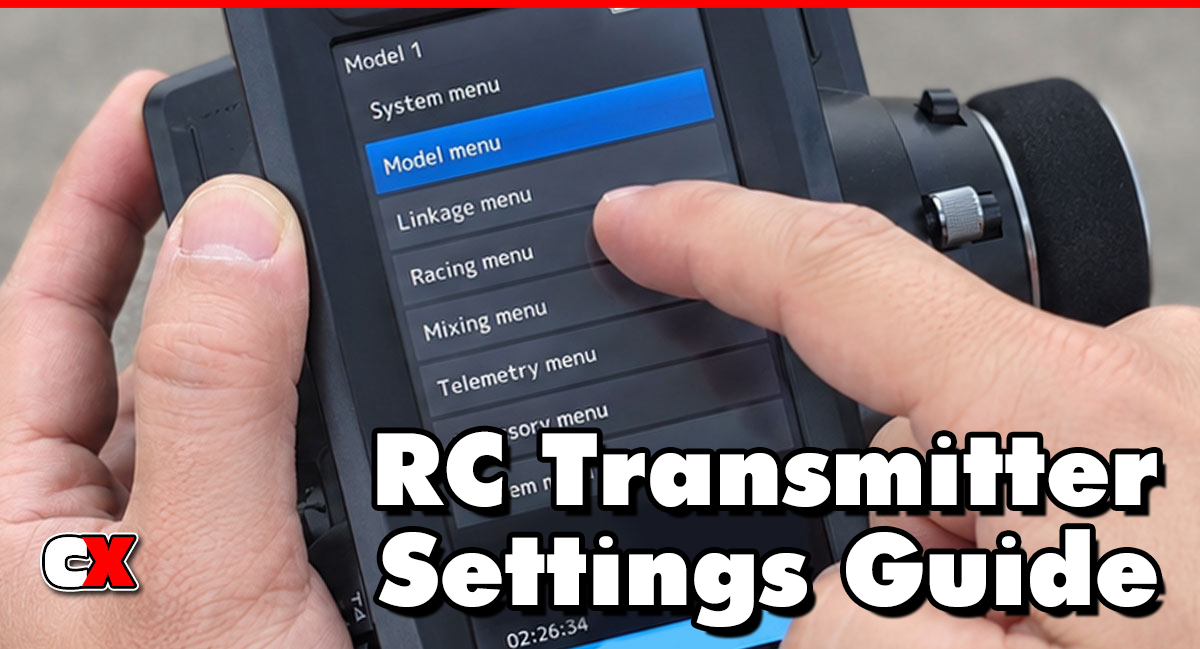
1. Open the Model Select Menu
Navigate to:
• System Menu
• Model Menu
• Model Select
• Model Memory
The naming varies depending on the manufacturer.
2. Choose the Desired Model
Scroll through the saved models and select the correct vehicle.
Most radios allow users to:
• Name each model
• Add custom icons
• Organize by vehicle type
Examples:
• “B74.2 Carpet”
• “TRX-4 Trail”
• “Mini-B”
• “Speed Run Car”
3. Confirm the Selection
Many radios ask for confirmation before switching models to avoid accidental changes.
4. Rebind if Necessary
Some systems require rebinding if:
• Multiple receivers are used
• Different protocols are involved
• Receiver IDs do not match
5. Verify Controls Before Driving
Always test:
• Steering direction
• Throttle direction
• Brake operation
• Steering throw
…before placing the car on the ground.
When To Change Model Memory
You should change Model Memory anytime you switch to a different RC vehicle or setup profile.
Common Situations
Switching Vehicles
The most obvious reason is moving between different RC cars.
Track Condition Changes
Some racers create multiple Model Memory profiles for the same car.
For example:
• High grip setup
• Low grip setup
• Asphalt setup
• Carpet setup
• Rain setup
This allows instant electronics setup changes without reprogramming the radio.
Different Drivers
Some drivers store:
• Beginner settings
• Advanced settings
• Child-safe throttle limits
• Practice profiles
…inside separate Model Memory slots.
Testing Setups
Advanced racers often duplicate Model Memory profiles before making tuning changes. This creates a backup in case the new settings do not work.
What to Check After Changing Model Memory
After selecting a different Model Memory, always verify the entire system before driving.
Steering Direction
Turn the wheel and confirm:
• Left equals left
• Right equals right
Never assume the steering direction is correct.
Throttle and Brake Direction
Check:
• Forward throttle
• Reverse throttle (if applicable)
• Brake operation
Incorrect throttle direction can cause immediate crashes.
End Point Adjustment (EPA)
Make sure steering and throttle travel are safe and appropriate for the vehicle.
Too much steering EPA can:
• Damage servos
• Bind steering components
• Overheat electronics
Dual Rate and Exponential
Verify the steering feel matches the vehicle. A setup designed for a crawler may feel terrible on a race buggy.
Mixing Functions
Check:
• 4WS Mixing
• Brake Mixing
• Gyro functions
• Winch controls
• Multi-channel accessories
Incorrect mixes can create unpredictable behavior.
Receiver Match
Some radios feature:
• Model Match
• Receiver ID protection
• Receiver lockout systems
These help prevent accidentally driving the wrong car with the wrong setup.
Fail-Safe Settings
Always confirm:
• Neutral throttle
• Brake position
• Steering fail-safe
…especially on nitro, gas or high-speed vehicles.
Basic Model Memory vs Advanced Settings
Basic Model Memory Settings
Basic users typically:
• Store one profile per vehicle
• Name models clearly
• Adjust steering trim
• Adjust throttle trim
• Set servo reversing
• Use simple EPA adjustments
This setup works perfectly for most bashers and casual drivers.
Example Basic Setup
• Vehicle: 2WD Stadium Truck
• Steering EPA: 90%
• Throttle EPA: 100%
• Dual Rate: 80%
• No mixing functions
Simple, safe and easy to manage.
Advanced Model Memory Settings
Advanced users take Model Memory much further.
They may:
• Create multiple profiles per car
• Save track-specific setups
• Store weather-specific tuning
• Use advanced mixing
• Save telemetry configurations
• Adjust gyro gain profiles
• Store trigger response curves
• Create beginner/safe modes
Example Advanced Setup
A competitive touring car racer may have:
• Carpet High Bite
• Carpet Low Bite
• Asphalt Outdoor
• Wet Surface
• Qualifying Setup
• Main Event Setup
…all stored as separate Model Memory profiles. This allows instant tuning changes at the track.
FAQ
Q: Can one transmitter control multiple RC cars?
A: Yes. That is the main purpose of Model Memory. One transmitter can store settings for many vehicles.
Q: Does Model Memory improve performance?
A: Indirectly, yes. It ensures the correct settings are used for each car, improving consistency and reducing setup mistakes.
Q: What happens if I select the wrong Model Memory?
A: The vehicle may steer or accelerate incorrectly, have the wrong EPA settings or incorrect mixing. This can easily lead to crashes or damaged components.
Q: How many models can a radio store?
A: It depends on the transmitter. Entry-level radios may store 10 to 15 models, while premium radios may store hundreds.
Q: Can I copy a Model Memory profile?
A: Yes. Most advanced radios allow copying existing profiles to create backups or alternate setups.
Q: Is Model Memory important for beginners?
A: Absolutely. Even beginners benefit from organized vehicle profiles and reduced setup confusion.
Q: What is Model Match?
A: Model Match is a safety feature found on some radios that prevents operation if the wrong Model Memory is selected.
Q: Should I name my Model Memory profiles?
A: Yes. Clear names help avoid mistakes and make switching vehicles much easier.
Good examples:
• “B74.2 Dirt”
• “TRX4 Trail”
• “XO1 Speed Run”
Bad examples:
• “Car 1”
• “Truck”
• “Offroad”
Back to the RC Transmitter Settings Guide.

